Quick Solution for Untrusted Enterprise Developer Error
Step-by-step guide for iPhone users to verify third-party application profiles safely and permanently.
For those of you downloading an application for the first time via the official PlayMega888 site, the appearance of the "Untrusted Enterprise Developer" notification might be confusing. However, technically this is not a malfunction. Apple implements this system to ensure users provide explicit permission before applications distributed outside the App Store can be run.
This process is crucial for maintaining the integrity of data on your device. To understand more about various other system obstacles, you can refer to the Mega888 Troubleshooting Center which summarizes various technical solutions for Android and iOS devices.
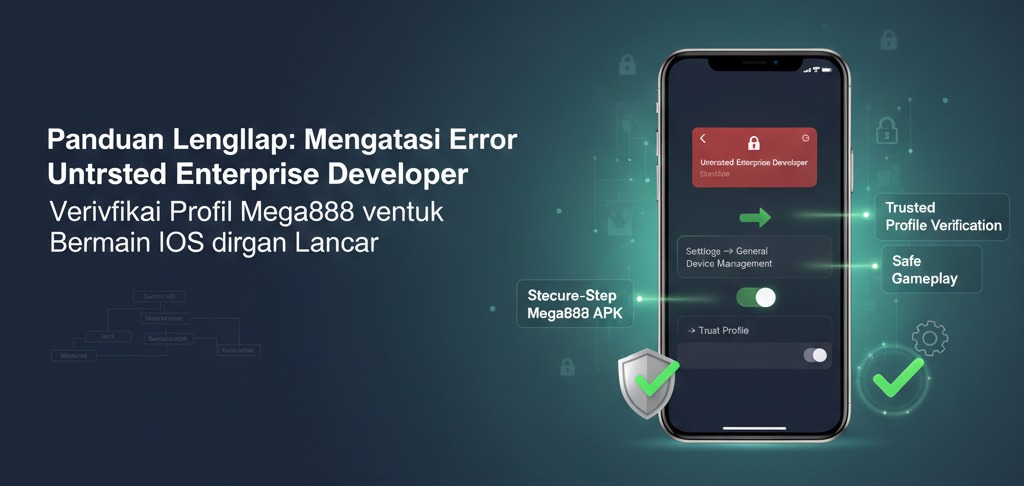
Profile Verification Guide (Technical Steps)
Follow the steps below to enable application permissions on the latest iOS system:
- • Settings Navigation: Open the Settings > General menu on your device.
- • Device Management: Find and select the VPN & Device Management menu. If this menu does not appear, ensure the download process from the homepage is 100% complete.
- • Select Profile: Under the "Enterprise App" category, you will see the name of the application developer. Click on that name.
- • Grant Permission: Press the blue button labeled "Trust [Developer Name]" and confirm on the pop-up window that appears.
Why Does the "Not Verified" Message Appear?
Often, after pressing the "Trust" button, the application status still shows "Not Verified". This usually happens because the device is not connected to the internet during the validation process with Apple's servers. Ensure you are using a stable internet connection while performing this verification.
If the problem persists, it is likely that the application certificate has been updated. In this condition, it is recommended to delete the old application and download the latest version via the official Mega888 link which we always update daily.
Data Security & Privacy
Many players worry that granting "Trust" permission will endanger personal data. As long as you obtain the application file from a trusted source, iOS security protocols will still keep your sensitive data isolated. This verification only grants permission for the application to run on the operating system, not full access to your system data.